A semi-custom AMD Zen 2 + RDNA 2 APU with 16 GB of GDDR6, unleashed on Linux.
"Oberon", 6 cores / 12 threads, up to 4.0 GHz all-core overclocked (~1206 mV, validated).
"Cyan Skillfish" (gfx1013), up to 40 unlockable Compute Units.
Shared (UMA) between CPU and GPU; on Linux the GTT extends the video memory.
FP32 at 40 CU / 2000 MHz (vkpeak), with Vulkan acceleration.
V/F curves measured via the SMU on the “Oberon” APU, with real thermal validation. All driveable from the Tuner with ready presets.
For every frequency we found the lowest stable voltage by reading the real VID from the SMU and validating with 120s stress. The Stock · Performance · Turbo · Crazy presets apply these profiles in one click; a thermal-guard keeps everything within 85 °C. Full details in the docs.
vkpeak FP32-scalar (GFLOPS) on the same BC-250, before and after SkillFishOS.
vkpeak (Vulkan compute) measurements on the same board, from cold and idle. With the 40 CUs active the GPU delivers 1.84× over the starting system. At idle the governor drops to 350 MHz; edge ~54 °C after the compute load.
Source: project measurements on real hardware (vkpeak). Details in GPU, governor and overclock · kernel.
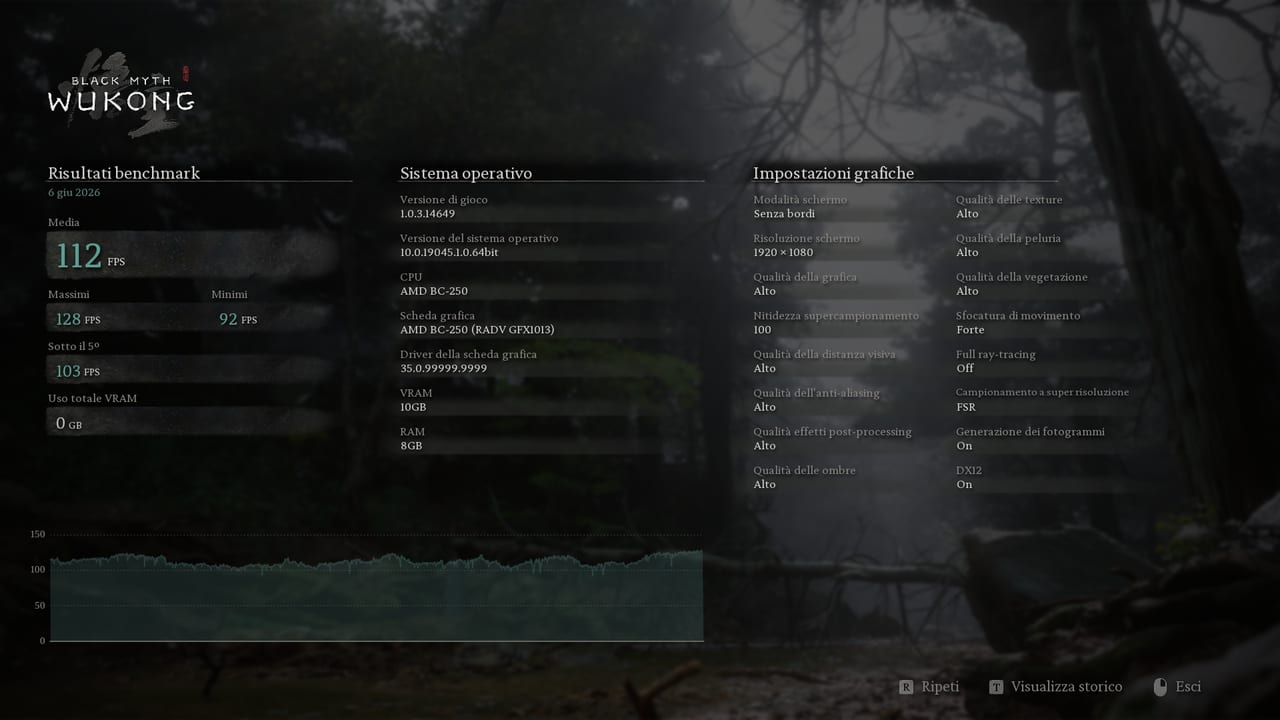
~4 minutes of in-game telemetry: CPU and GPU hold full overclock within the 85 °C thermal cap — governor, OC and thermal-guard handle a demanding AAA title. (Wukong is CPU/draw-call bound: what matters here is stability under load, not resolution.)
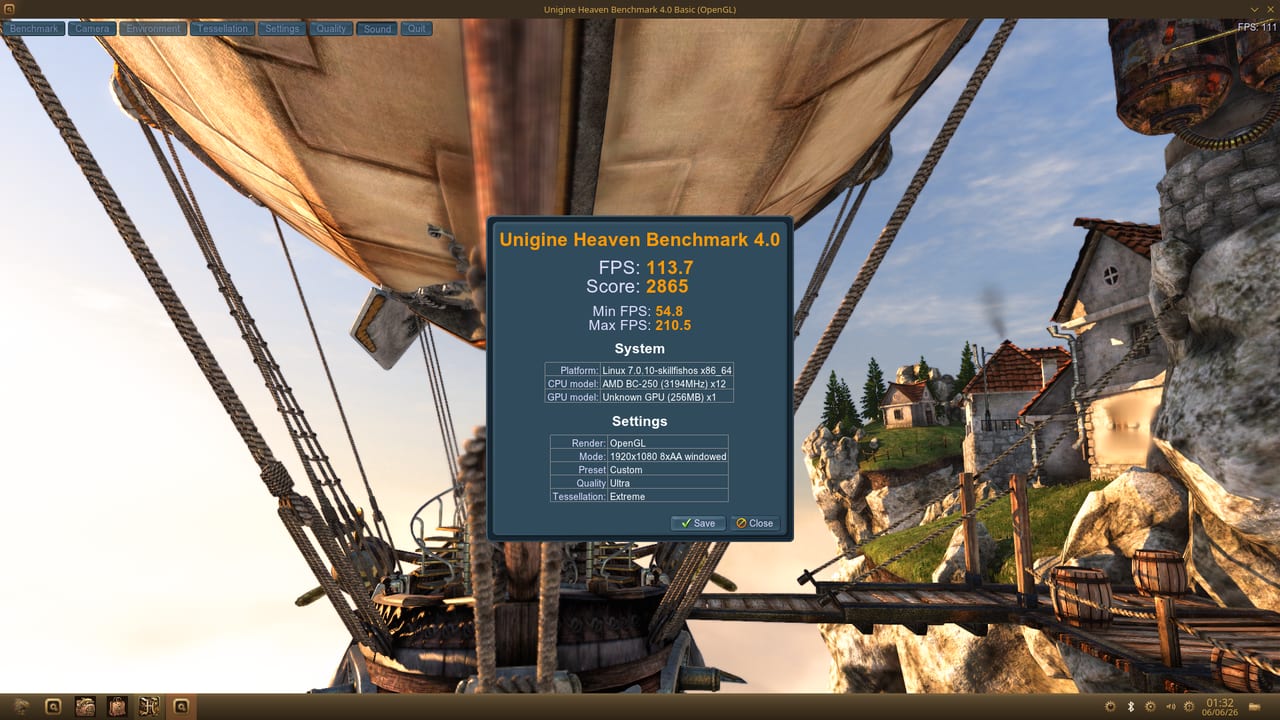
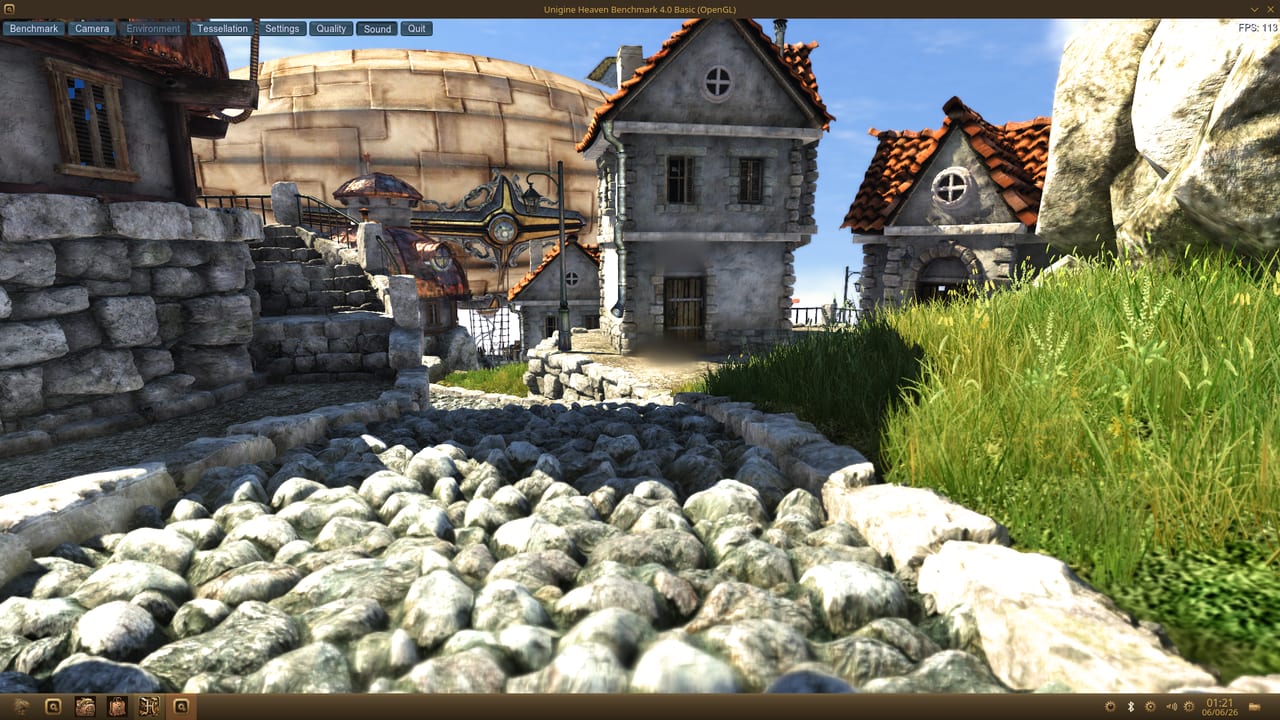
No renders, no mockups: actual screen captures taken during the benchmarks, on our own BC-250 running SkillFishOS. Tap an image to enlarge.
Measured on the BC-250 with SkillFishOS, at 1080p. A ~€50 board playing in the Radeon RX 6600 class.
Superposition 1080p Extreme, on the same BC-250: SkillFishOS vs another distro at stock clocks.
Unlocked 40 CUs, a governor pushing the GPU to 2230 MHz and CPU overclock+undervolt: +34% real performance from the very same chip. Source: the official Unigine leaderboard.
Superposition 1080p High: the BC-250 with SkillFishOS matches a RX 6600/6600 XT costing €200+.
Raw compute of an RX 6700 (~11.3 TFLOPS), gaming performance of an RX 6600/6600 XT — on a ~€50 board. A semi-custom, console-class RDNA 2 die (“Oberon”, gfx1013), unleashed on Linux.
Monitor detection doesn't work → dedicated daemon + video=DP-1:e kernel parameter.
The board won't wake up → all sleep states permanently disabled.
Must never be enabled → the system always boots without IOMMU.
Edge sensor only, no VRAM sensor → an 85 °C thermal-guard always active.